

How do I setup email notifications for my Dashboard reports?
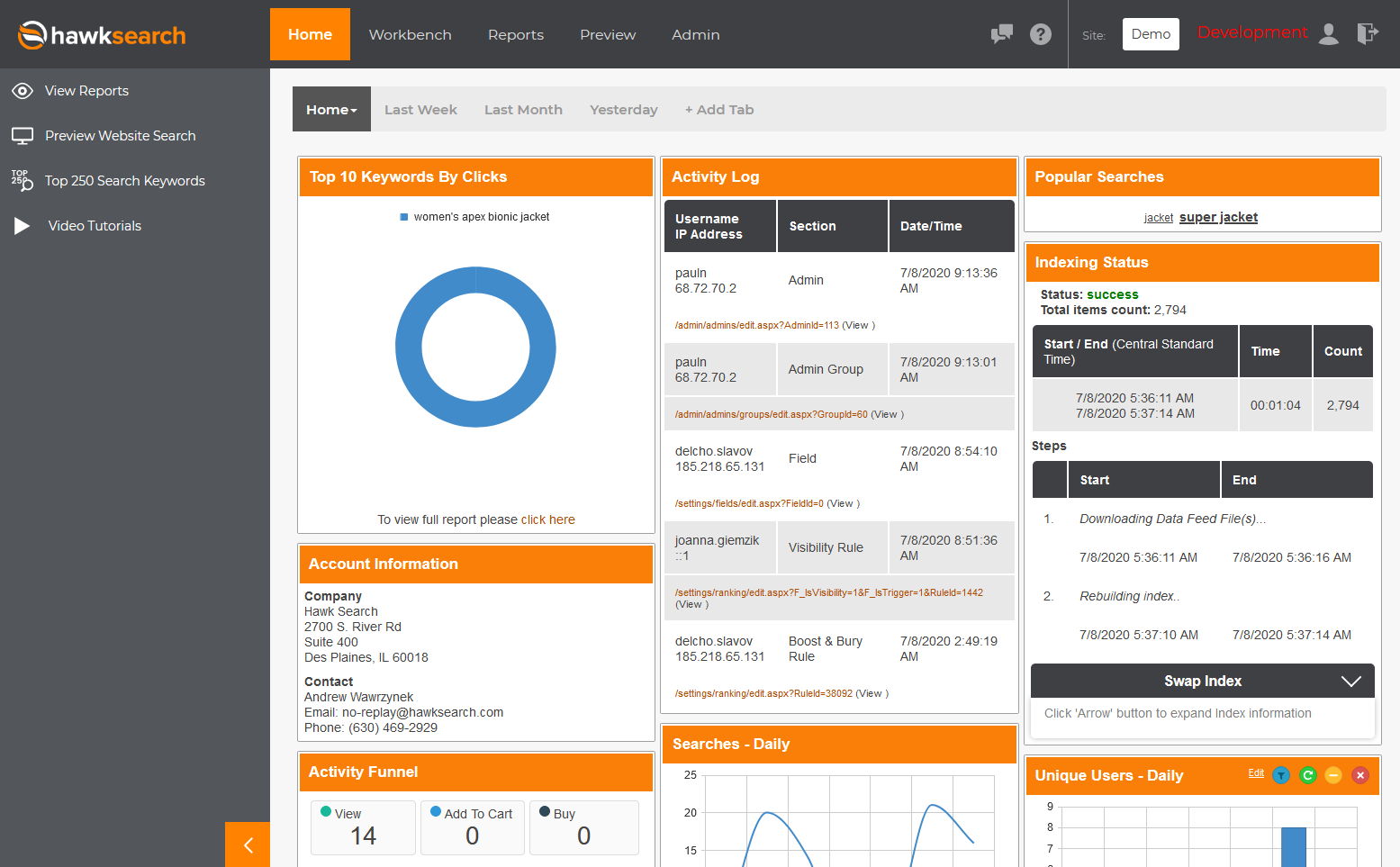
Besides viewing a quick summary of reports in the Dashboard, you can also have these emailed to you on a scheduled basis:
To set this up, go into the Workbench tab and select Workbench Settings > Email Notifications from the left:
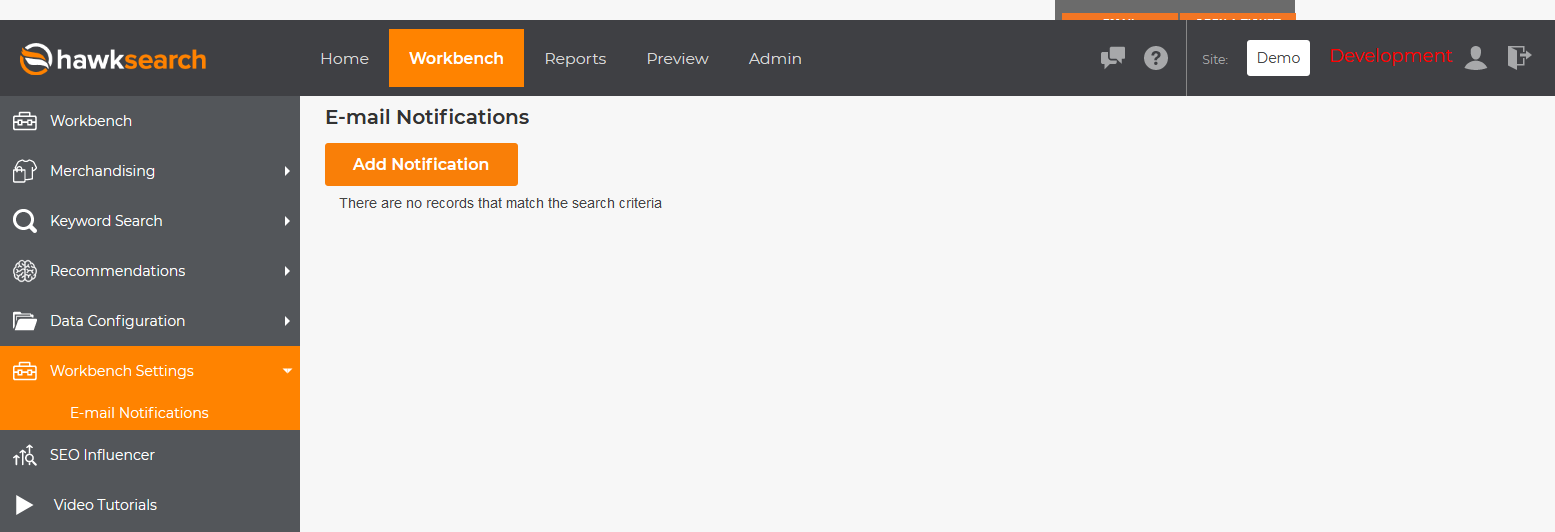

From here, you can choose which specific Dashboard tabs you'd like included in the email, as well as how often you want to receive these.
Updated over 2 years ago
Did this page help you?