

Profanity Words
Overview
Sometimes a keyword search might include a word or words you and your customers do not want to see because those words could be profane, rude, or just plain embarrassing.
The Profanity Words section allows you to provide words that should be excluded from popular searches that may display in autocomplete, the popular search term widget, and in a display of related searches.
You can do this within the Profanity Words area of Hawksearch Workbench.
- In Workbench, in the navigation panel on the left, click the Keyword Search icon.
- Click Profanity Words.
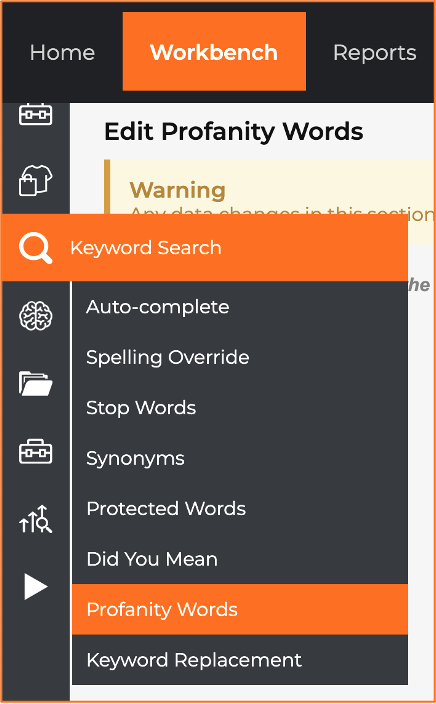
- On the Edit Profanity Words page, in the Profanity Words field, enter any words you do not want to be searchable at all. Add a comma after each word.
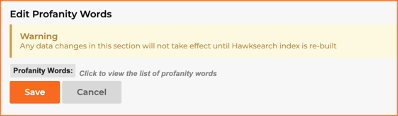
- Click Save.
Note
When you first open the Edit Profanity Words page, there is a protective screen over any previously-entered profanity words.
To see the words you have listed, or to add more, click on the grey area.
Updated 11 months ago
Did this page help you?