

Dynamic Facet Ordering
Overview
There are two main aspects to ordering Facets:
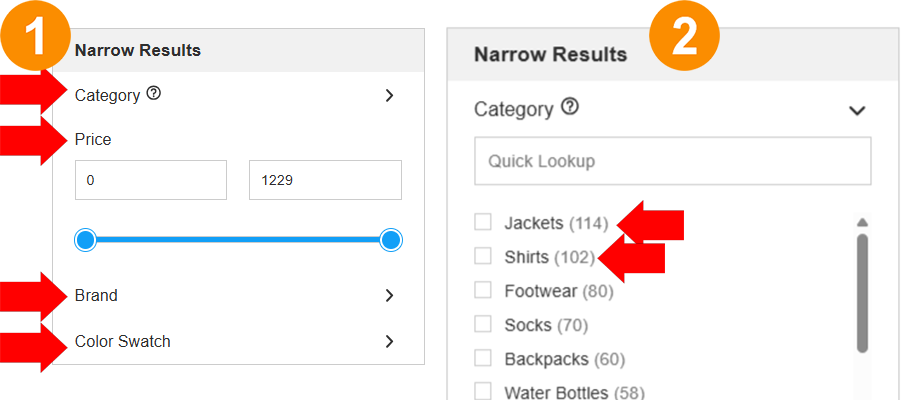
- The facets themselves within the left hand navigation in this case, the order of Category, Price, Brand and Color Swatch
- The order of the values within the facet itself, in this case, the Category Facet
The order of these facets and the values in the facets can be dynamically displayed according to settings in HawkSearch
Dynamic Facet Listing
The facets listed in your search results will only be included if the results include values from those facets. For example, if the search results below did not include color options, then the "Color Swatch" facet would not appear.
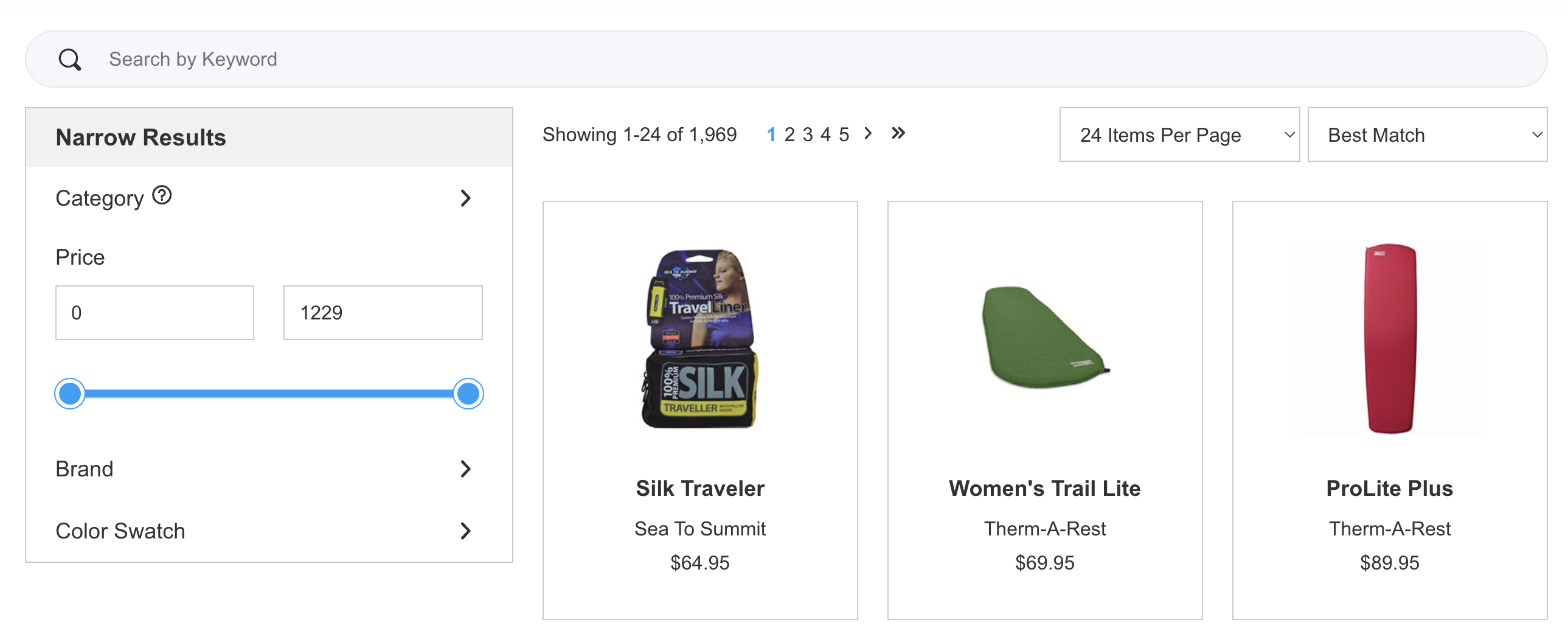
Dynamic Facet Ordering
In order to sort the Facets themselves in the left hand navigation, the default is to list them according to the sort order when configuring the facet:
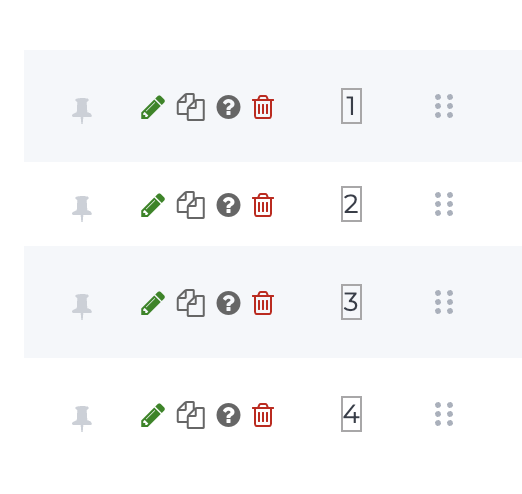
These can be sorted by dragging the 6 dotted option up and down. And remember, this order will change if the search results do not have values for a particular facet.
But if all of the facets do have values, it is often desired to still sort those facets and the most logical way to do that is by their popularity. By selecting the option for "Auto reordering," the facet results will appear in the order that they are clicked. This means that the most popular facets will be on the top.
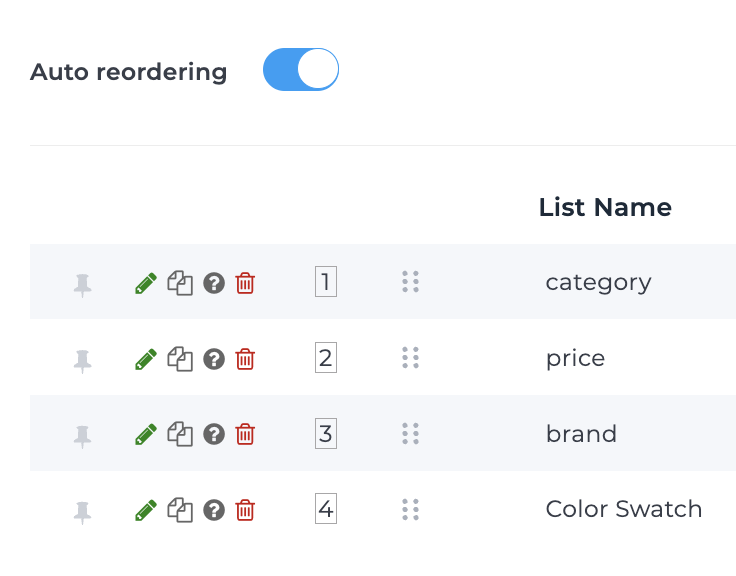
Facet Usage Tracking
Note that for the Auto reordering feature above to work, you must make sure that you are using the Tracking API for facet clicks. Details can be found here: https://developerdocs.hawksearch.com/docs/event-tracking-api
Ordering values within a Facet
Some facets can have a large number of values, for example if you have a lot of product categories, brands and manufacturers. In order to make these important Facets more user friendly, there are a number of options for ordering those facet values.
Sort Order
Although the option for alphabetical exists, it often makes sense to sort by "Count Descending" which means the facet value with the most items in it appears on the top. This makes sense since those have the most products to choose from.
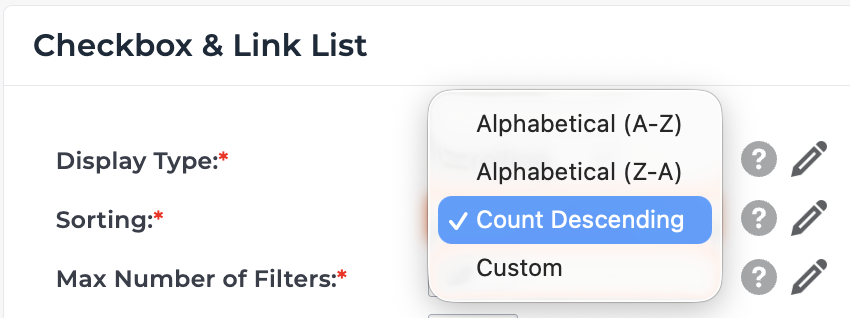
Count Descending is also a dynamic value
As a visitor continues to filter down search results, the counts for all of the facet values dynamically changes and the sort order could change because of that.
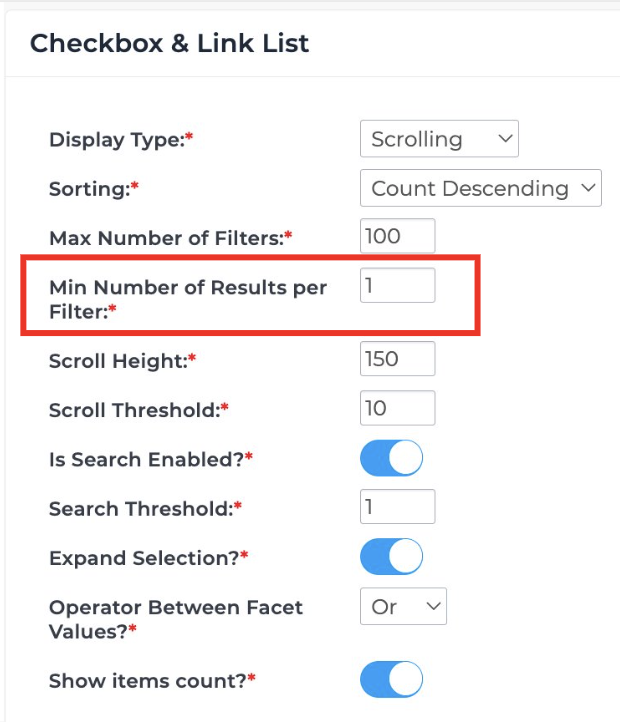
Min Number of Results per Filter
In some cases, there are many values within a filter and some of those values may only have a small number of products associated with them. In order to avoid the list of values becoming too long, you can select a filter which enforces the minimum number of filters. If that threshold is not met, then that value will not appear.
Updated 8 months ago