

Facets Performance
Facets Performance shows how customers refine results using filters such as brand, size, or product type. Use it to identify useful facet categories, investigate individual values, and review the activity associated with those refinements.
What the report shows
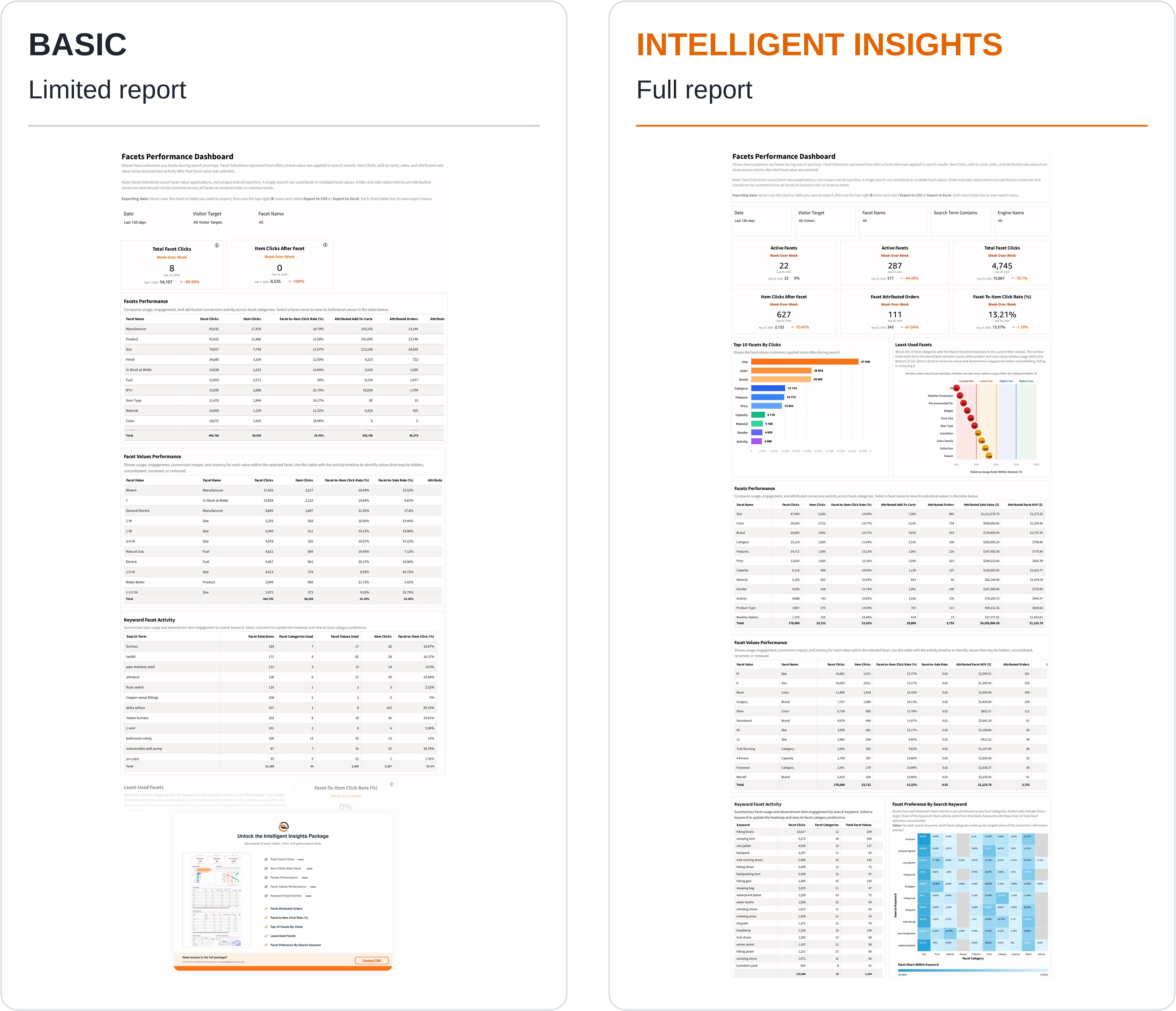
The KPI cards cover Active Facets, Active Facet Values, Total Facet Clicks, Item Clicks After Facet, Facet Attributed Orders, and Facet-To-Item Click Rate.
Top-10 Facets By Clicks highlights heavily used facet categories. Least-Used Facets compares a displayed set of low-use categories. Numbers inside the dots show actual selections; position and color express relative usage within that displayed set, not a share of all searches.
Facets Performance compares categories using facet clicks, item clicks, engagement rate, and attributed cart and order activity. Select a facet name to review its values in Facet Values Performance, which also includes facet-to-sale information.
Keyword Facet Activity lists search terms with facet selections, categories used, and values used. Select a keyword to update Facet Preference By Search Keyword. Darker heatmap cells indicate a larger share of that keyword's facet activity. The heatmap excludes keywords with fewer than 25 total facet selections.
How to use the report
- Identify a frequently used or little-used facet category.
- Select the category and inspect its values and downstream engagement.
- Review keyword activity to understand when customers need that refinement.
- Use the heatmap to see which facet categories dominate refinement for a term.
- Review relevance and product coverage before changing facet order, labels, visibility, or available values.
Interpreting the results
Facet selections count applications of facet values. They are not unique overall searches: one search journey can contribute to several values or categories. Attributed orders and sale values should not be added across facets to create booked totals.
Low recorded use is a reason to investigate, not an automatic reason to remove a facet. A facet can be valuable for a specific product category or customer need. Check its context and downstream activity first.
Intelligent Insights
Our Intelligent Insights package provides deeper and intuitive insights into your business.
This feature is enabled per request, please reach out to your CSD at [email protected] for more information.
Updated about 21 hours ago